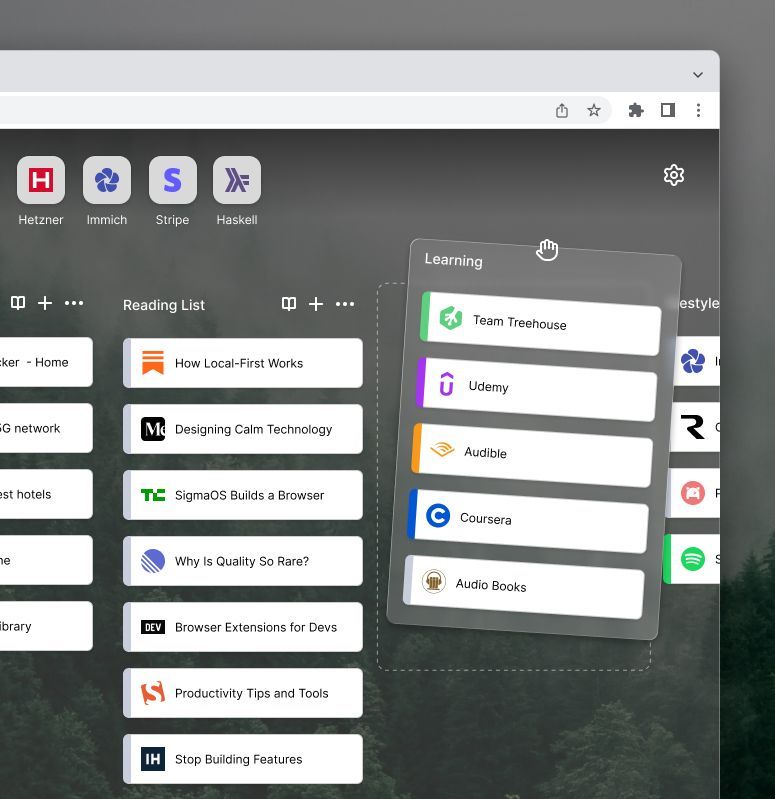
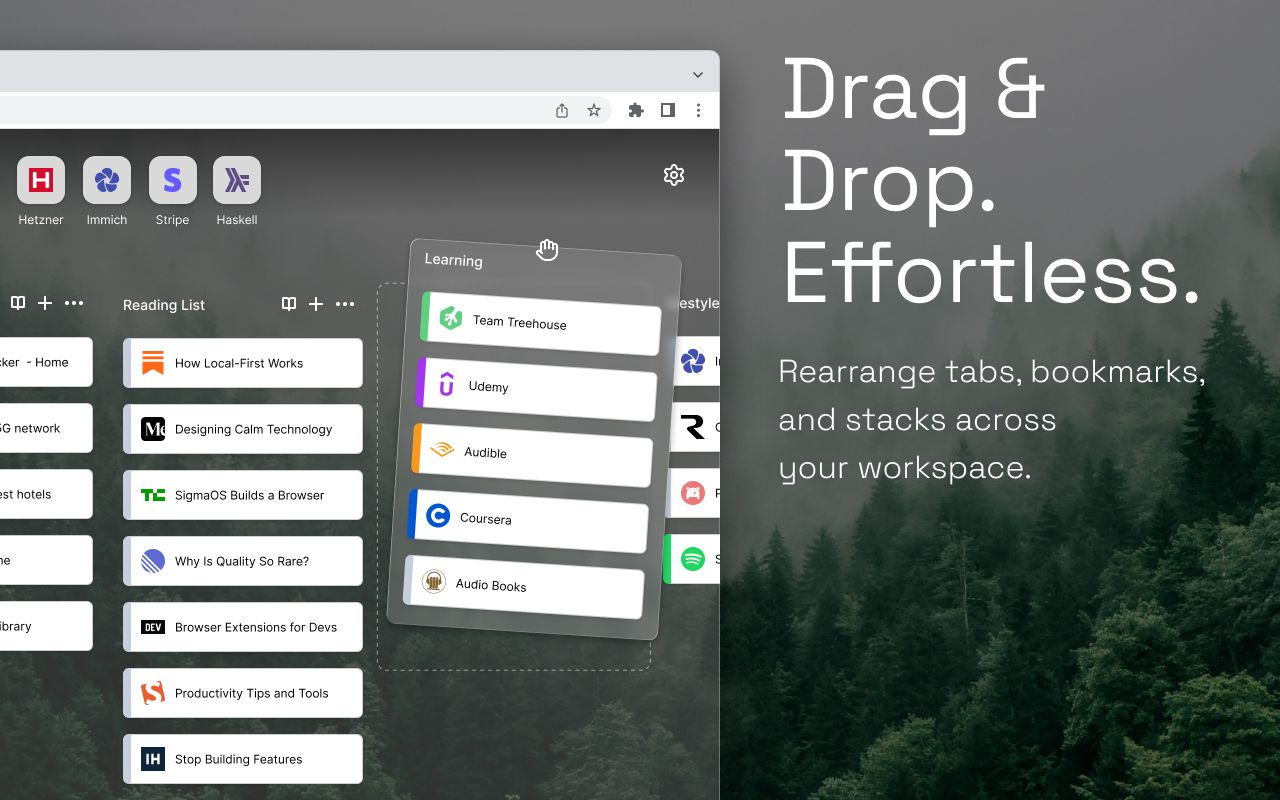
Draggable stacks
Create, rename, reorder, and open stacks of saved links from a focused dashboard.
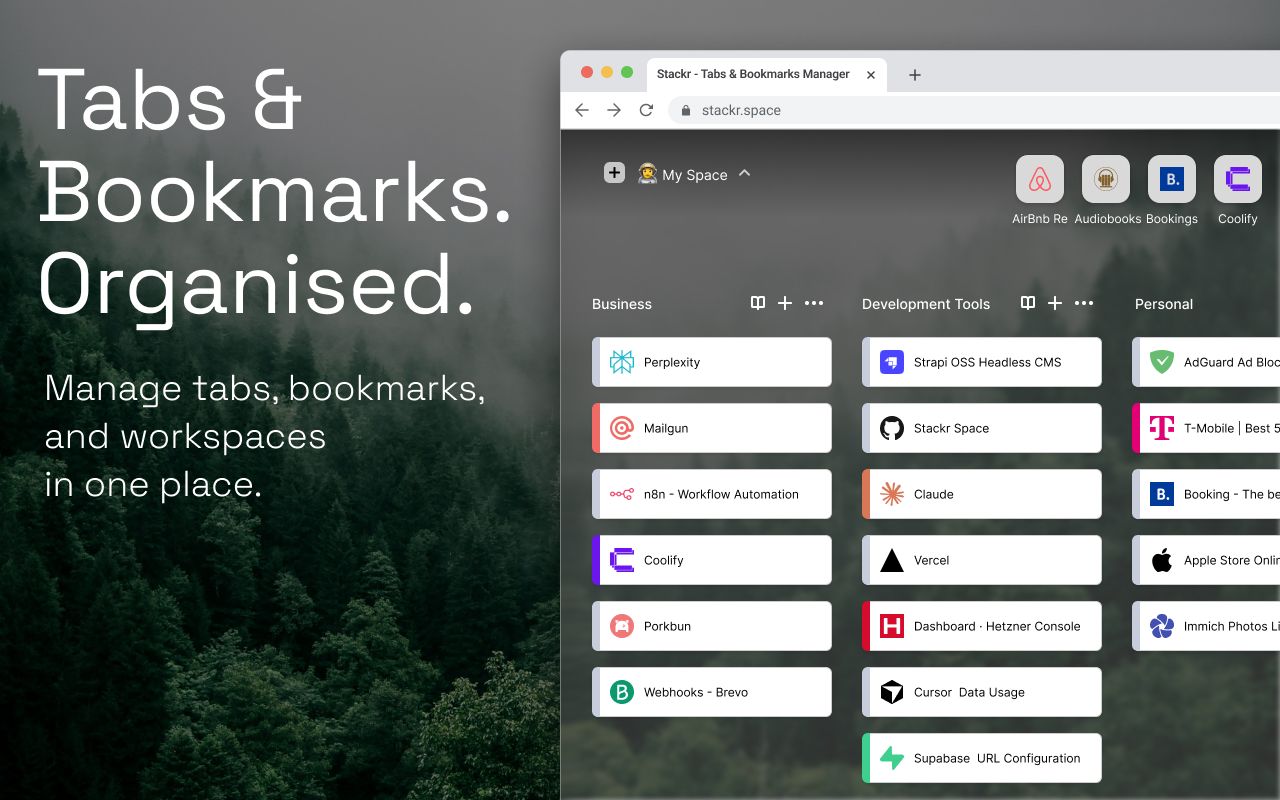
A calm Chrome home for bookmarks, tabs, and quick capture.
Chrome bookmark & tab manager
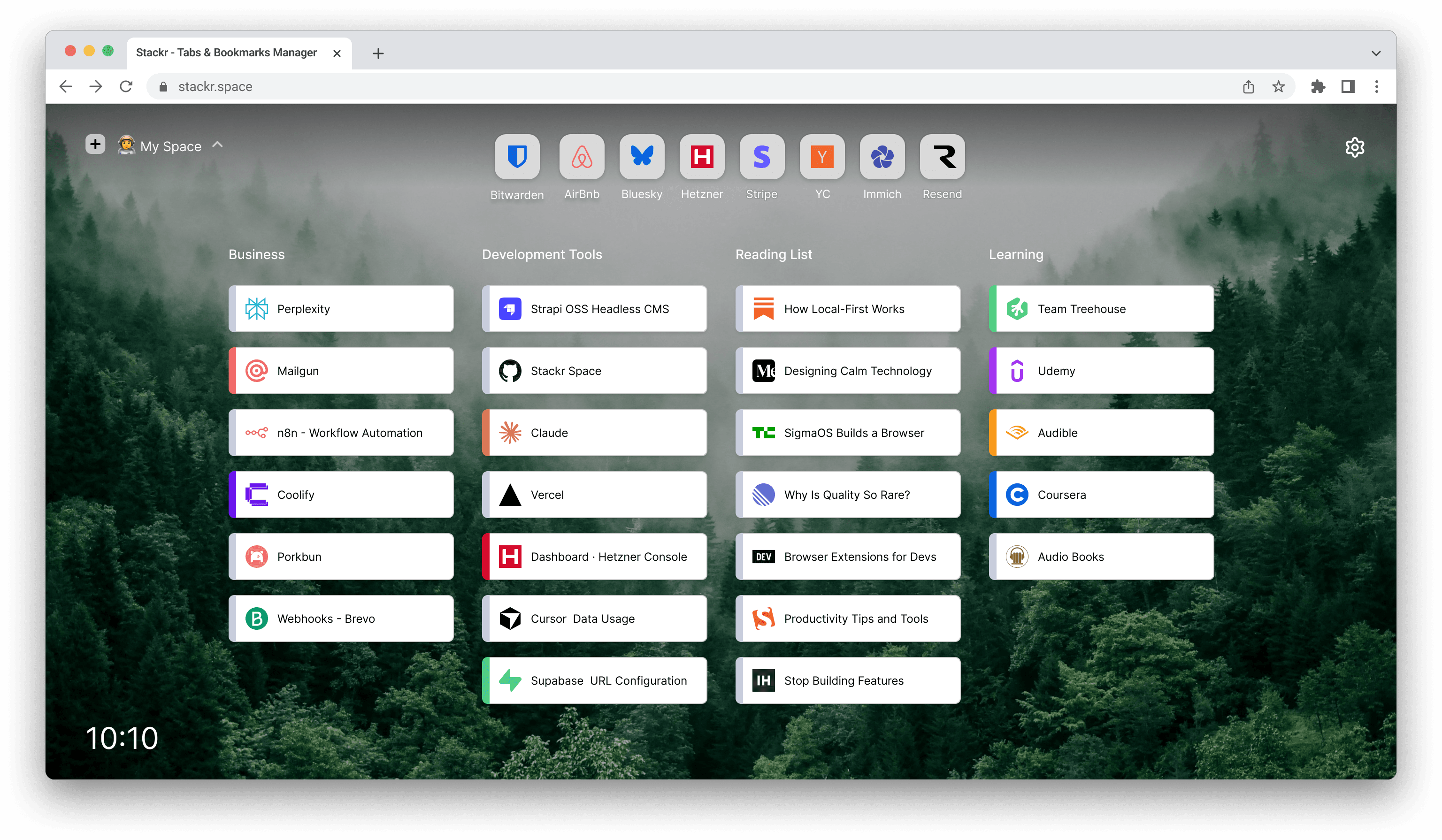
Stackr helps you capture pages quickly, group them into stacks, search across saved links and open tabs, and reopen what matters without clutter.

Features
Create, rename, reorder, and open stacks of saved links from a focused dashboard.
Save the current tab or every tab in the window to a stack in a couple of clicks.
Search saved links, open tabs, and browser history from one keyboard-friendly bar.
Review open tabs beside your stacks, focus what you need, and close the rest.
Product demo
A short walkthrough of Stackr’s new tab dashboard, stack capture flow, and search.
Stackr opens to a calm dashboard with stacks on the left and your open tabs on the right. Save the current page to a stack, reorder items with drag and drop, and search across saved links and open tabs.
Privacy
Your stacks and saved links stay on your device. Stackr is built for speed and privacy, with optional sync planned for later releases.
Roadmap
Cloud sync is on the roadmap. Until then, Stackr keeps your workspace responsive with offline-friendly local storage.
Install Stackr when the Chrome Web Store listing is live, or reach out if you want early access updates.
Stackr is local-first. Your stacks and saved links are stored in Chrome on your device unless you opt into future sync features.
Stackr is built for Chromium browsers with Manifest V3 support, starting with Google Chrome.
The Chrome Web Store listing is coming soon. This page will link to the official listing when it is available.