
Features

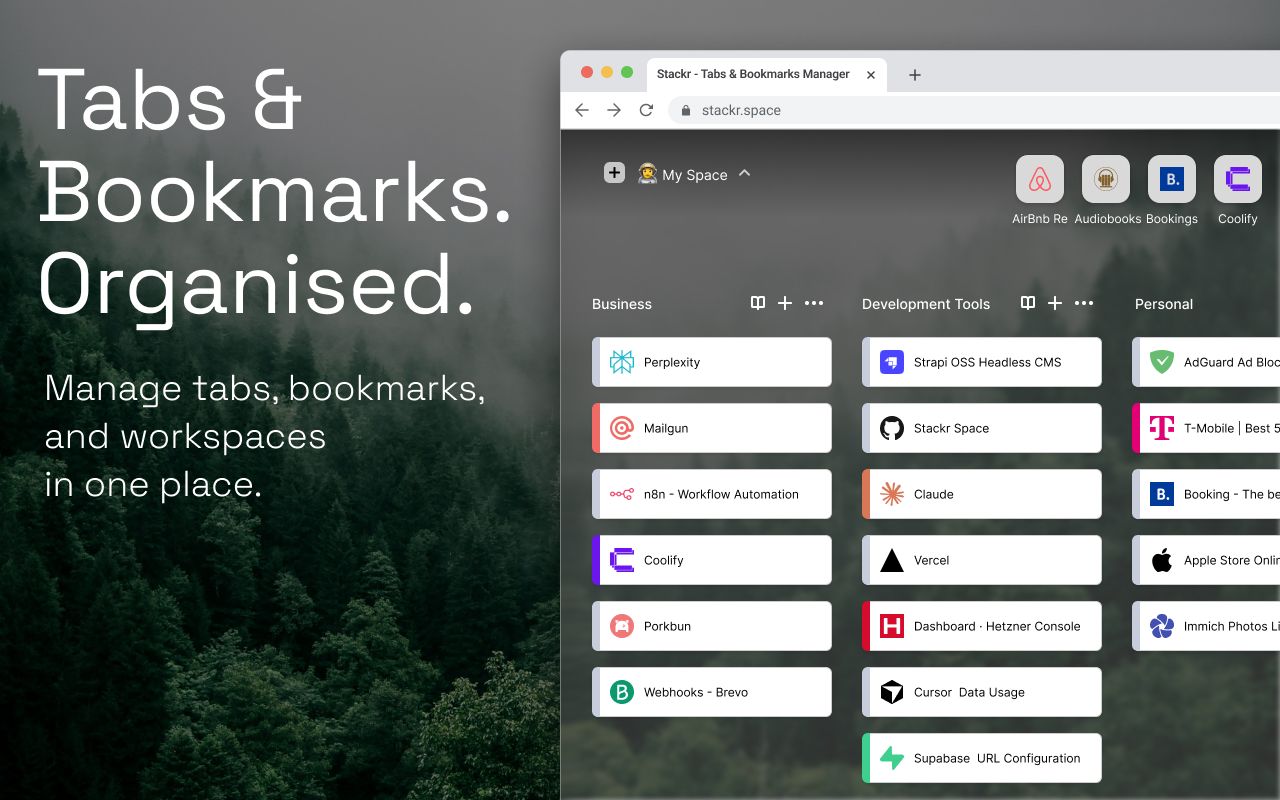
Stackr features

A focused set of capabilities for capturing tabs, organizing saved links into stacks, and reopening the context you need in Chrome.

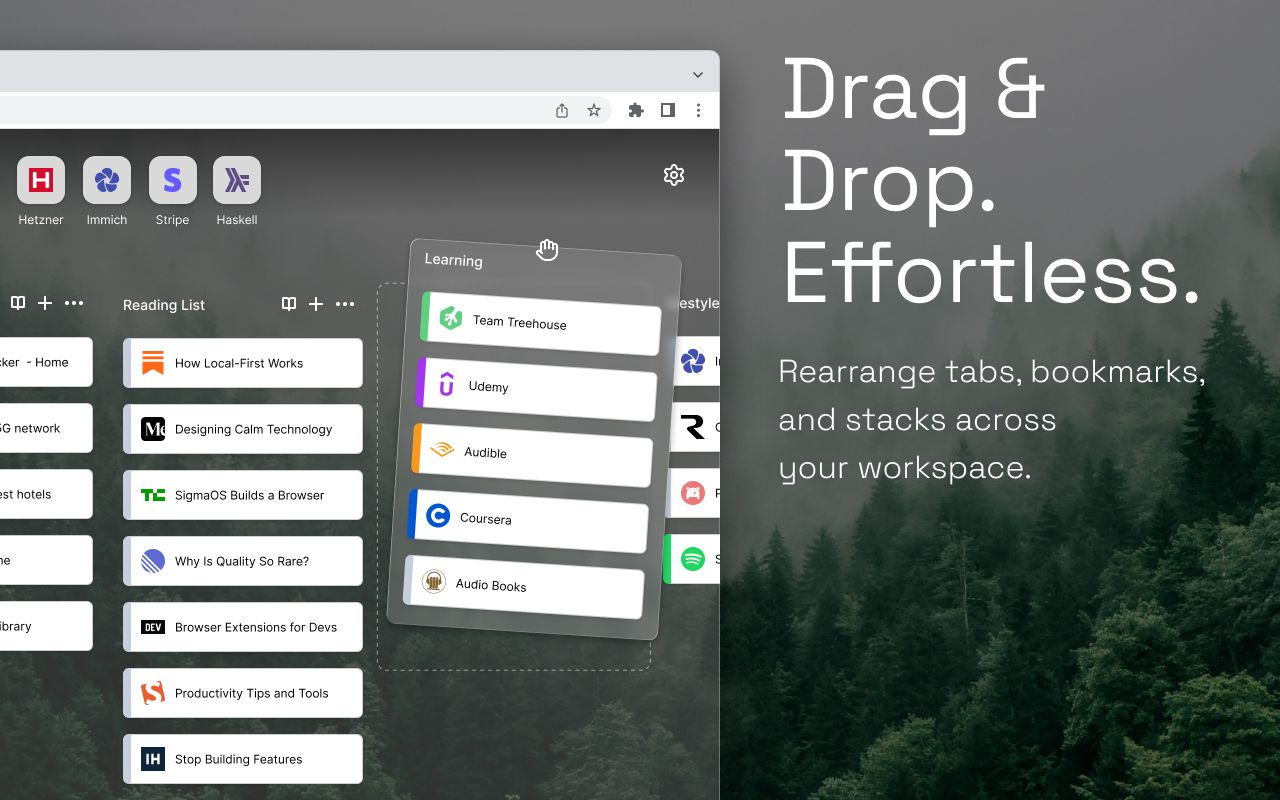
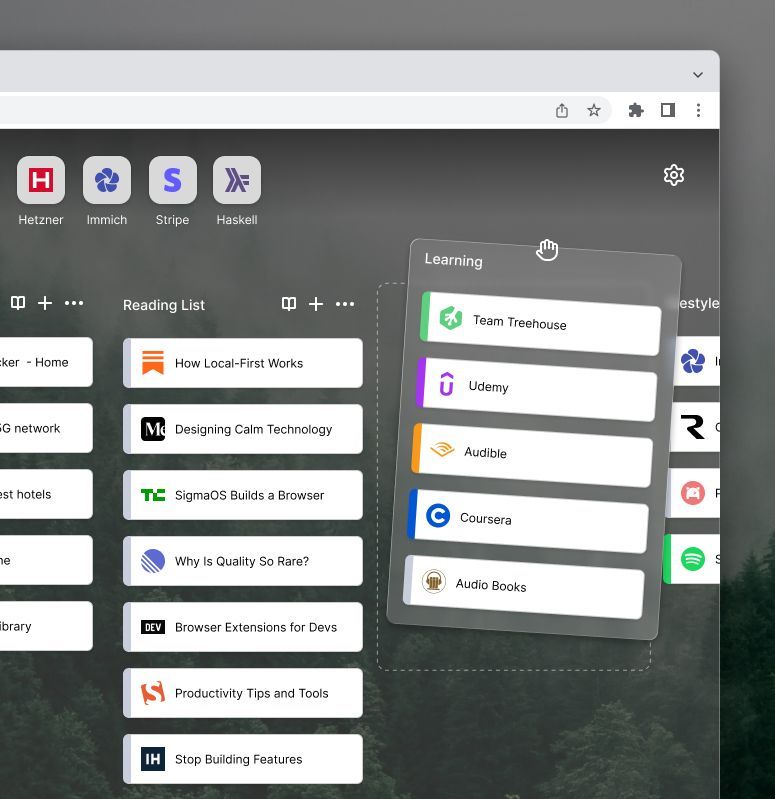
Draggable stacks
01.

Draggable stacks

Group saved links into calm, reorderable stacks so each project, workflow, or research thread has a clear place.

Save current or all tabs
02.

Save current or all tabs

Capture the active tab or the whole current window from Stackr, then come back to the set when you need it.

Unified search
03.

Unified search

Search saved links, open tabs, and browser history from one focused command surface.


Open-tabs panel
04.

Open-tabs panel

Review, focus, close, or save currently open tabs without losing track of the browser window you are organizing.

Everything the workspace needs
Practical capabilities for capturing, sorting, finding, and reopening browser context.

Local-first storage

Stackr stores your stacks locally in Chrome storage by default, with no account required for the core workflow.

Drag-and-drop organization

Reorder stacks and move saved links between them when your work changes shape.

Popup quick capture

Use the popup to save the current tab to an existing stack or create a stack inline.

Save all window tabs

Turn a crowded browser window into a reusable stack before switching context.

Keyboard-friendly search

Find saved links and tabs quickly with search interactions designed for fast navigation.

Light and dark themes

Use Stackr in light mode, dark mode, or the mode set by your system.

Questions before installing

Straightforward answers about the current Stackr product.

  • Stackr is local-first. Your stacks and saved links are stored in Chrome on your device unless you opt into future sync features.

  • Stackr is built for Chromium browsers with Manifest V3 support, starting with Google Chrome.

  • The Chrome Web Store listing is coming soon. This page will link to the official listing when it is available.

Still have a question?

Make your next new tab useful.

Install Stackr for a local-first way to organize links and tabs.

Free to use. No account required.